Shipped Worldwide
YOU HAVE ACCESSED THE OLD WEBSITE.
PLEASE CLICK HERE TO GO TO THE NEW WEBSITE
|
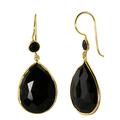
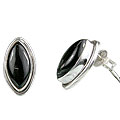
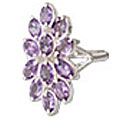
Matching Designs & Accessories
|


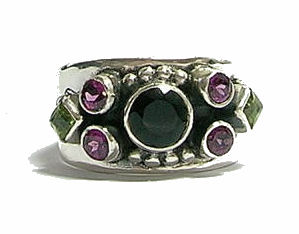
This page helps you to add an item to your cart. Select the number of pieces (1 or more) you wish to buy from the drop down box above the 'Add to Cart' button and click on the 'Add to Cart' button. Your cart will be filled by the selected number of this design. It does not matter if the item is already there in your cart. The quantity in cart will be the number you select now.
Clicking 'Add To Cart' will take you to the cart summary page. At times if a lesser quantity is available in inventory then the lesser quantity is added .
[
Close Help
]
Clicking 'Add To Cart' will take you to the cart summary page. At times if a lesser quantity is available in inventory then the lesser quantity is added .
- Options: Before adding/changing the quantity please see if any options/modification are available for the design. Options are shown at the bottom of the quantity selector and are . If options are available you may select an option. Options are not always compulsory.
- To remove an item from your cart select Remove and click on 'Add to Cart' button.

Monthly Newsletter
For latest products and information
Browse New Jewelry
Social Networks


Why Semiprecious?
This is why 30,000 customers prefer Semiprecious:
- 18,000 Designs
- Authentic Gemstone & Sterling Silver
- Affordable
- Great Customer Service
- Easy returns
- Secure Payments
